System Design 101: Load Balancing
A hands-on guide to implementing and testing load balancing algorithms using Golang, Nginx, and Docker
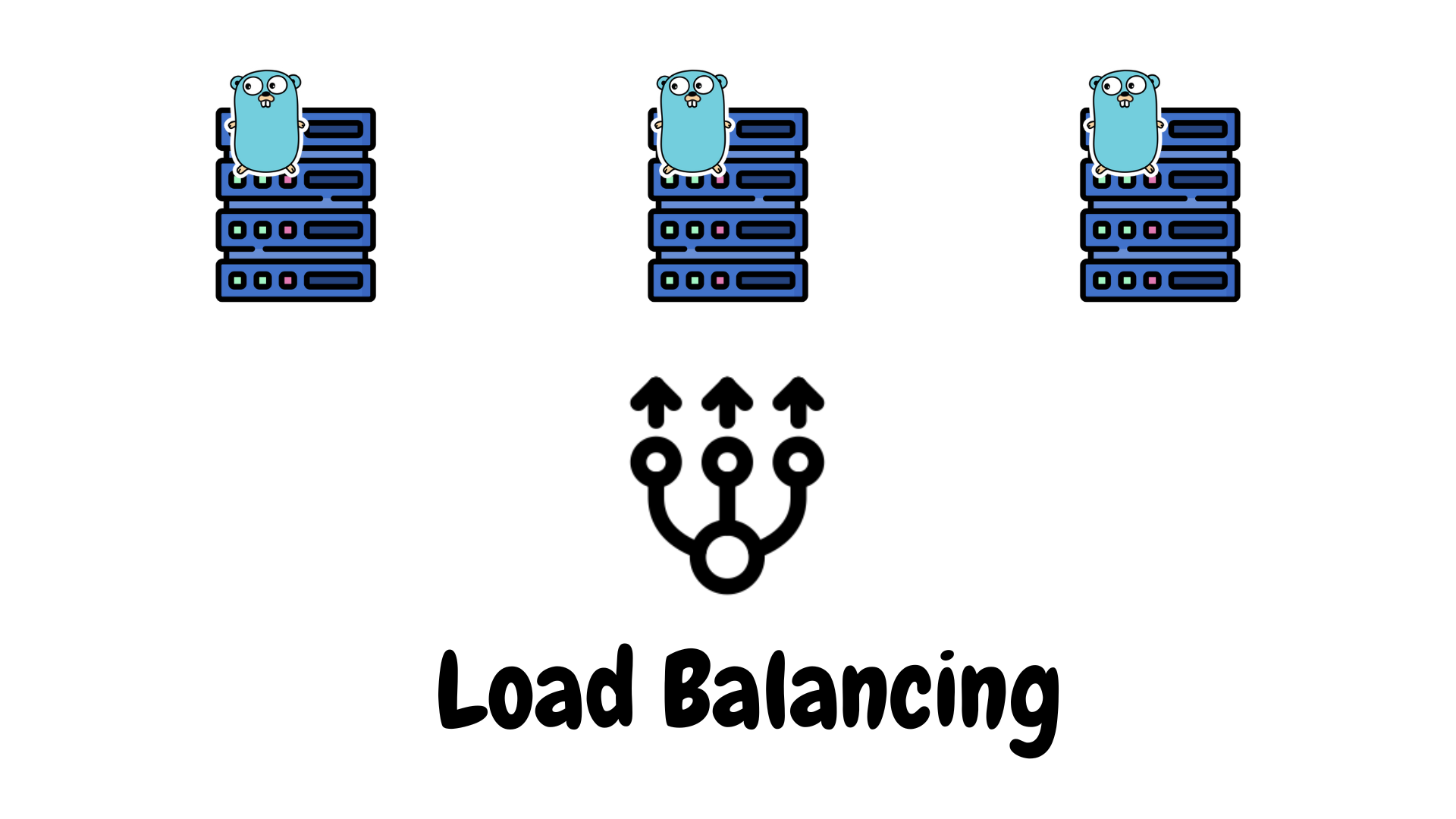
Load balancing is the process of distributing incoming network traffic across multiple servers to improve reliability, scalability, and performance. It prevents any single server from getting overloaded and helps applications handle higher demand efficiently.
Operating level
Load balancing can happen at different levels of the network stack.
Layer 4 (Transport level) — works at TCP/UDP level, routing traffic based on IP and port. e.g Round Robin, and Least Connections.
Layer 7 (Application level) — looks into HTTP headers, cookies, or request data to make routing decisions. e.g Geo Routing, and Consistent Hashing.
Let's look at how this works in practical by building a simple Restful API server in Go and Nginx load balancer to test algorithms of Round Robin, Least Connections, Geo-based, and Consistent Hashing approaches.
Application code
Restful API
package main

import (
 "fmt"
 "log"
 "net/http"
 "os"
)

func main() {
 id := os.Getenv("SERVER_ID")
 region := os.Getenv("REGION")
 if region == "" {
  region = "global"
 }

 visits := make(map[string]int)

 http.HandleFunc("/", func(w http.ResponseWriter, r *http.Request) {
  sessionID := "anonymous"
  if cookie, err := r.Cookie("session_id"); err == nil {
   sessionID = cookie.Value
  } else {
   sessionID = "anonymous"
  }

  visits[sessionID]++
  count := visits[sessionID]

  response := fmt.Sprintf("Server %s (%s) | Session: %s | Visit: %d\n",
   id, region, sessionID, count)

  fmt.Fprint(w, response)
  log.Printf("[INFO] Session %s → Server %s (visit #%d)", sessionID, id, count)
 })

 log.Printf("Server %s (%s) started on :8080", id, region)
 if err := http.ListenAndServe(":8080", nil); err != nil {
  log.Printf("[FATAL] Server %s failed: %v", id, err)
 }
}
It is a minimal restful program that listens on port 8080 and prints which server handled each request. Each instance is configured using environment variables SERVER_ID and REGION. When a client sends a request, the server reads a session ID from the X-Session-ID header, tracks visit counts, and responds with its ID, region, and visit number which makes it easier to visualize how Nginx distributes requests under different load balancing algorithms.
Dockerize the Go app
FROM golang:1.25-alpine
WORKDIR /app
COPY main.go .
RUN go mod init server && go build -o server .
CMD ["./server"]
Nginx configurations
1. Round robin
It sends each request to the next server in sequence, giving equal distribution. Limitation — Since it doesn't consider server performance or load it can overload weaker servers.
upstream backend {
    zone backend_zone 64k;
    server server1:8080;
    server server2:8080;
    server server3:8080;
}

server {
    listen 80;
    location / {
        proxy_pass http://backend;
        proxy_set_header Host $host;
        proxy_set_header X-Real-IP $remote_addr;
    }
}
2. Least connections
Directs new requests to the server with the fewest active connections, useful when request durations varies. Limitations — Requires tracking active sessions and doesn't take server processing capacity into account.
upstream backend {
    least_conn;
    zone backend_zone 64k;
    server server1:8080;
    server server2:8080;
    server server3:8080;
}

server {
    listen 80;
    location / {
        proxy_pass http://backend;
        proxy_set_header Host $host;
        proxy_set_header X-Real-IP $remote_addr;
    }
}
3. Geo-based routing
Since we are running this setup locally, all requests comes from same machine and can't distinguish locations accurately. So used client headers to send users to specific regions (like US or EU servers). In realtime, client's IP is looked up in a GeoIP database (like MaxMind database).
map $http_x_region $backend_upstream {
    default global_backend;
    us us_backend;
    eu eu_backend;
}

upstream us_backend {
    zone us_zone 64k;
    server server1:8080;
}

upstream eu_backend {
    zone eu_zone 64k;
    server server2:8080;
}

upstream global_backend {
    zone global_zone 64k;
    server server3:8080;
}

server {
    listen 80;
    location / {
        proxy_pass http://$backend_upstream;
        proxy_set_header Host $host;
        proxy_set_header X-Real-IP $remote_addr;
    }
}
4. Consistent hashing
This keeps sessions "sticky". Each client key (like a cookie or header) always maps to the same backend. Limitations — skewed distribution.
upstream backend {
    hash $cookie_session_id consistent;
    zone backend_zone 64k;
    server server1:8080;
    server server2:8080;
    server server3:8080;
}

server {
    listen 80;
    location / {
        # Generate session cookie if missing
        if ($cookie_session_id = "") {
            add_header Set-Cookie "session_id=$request_id; Path=/; HttpOnly";
        }

        proxy_pass http://backend;
        proxy_set_header Host $host;
        proxy_set_header X-Session-ID $cookie_session_id;
        proxy_set_header Cookie $http_cookie;
    }
}
Docker compose setup
Below is the complete setup in docker compose to run all load balancing algorithms.
services:
  server1:
    build: ./server
    environment:
      - SERVER_ID=1
      - REGION=us
    networks:
      - lbnet

  server2:
    build: ./server
    environment:
      - SERVER_ID=2
      - REGION=eu
    networks:
      - lbnet

  server3:
    build: ./server
    environment:
      - SERVER_ID=3
      - REGION=global
    networks:
      - lbnet

  # Round Robin
  nginx-round-robin:
    build: ./nginx
    volumes:
      - ${PWD}/nginx/round_robin.conf:/etc/nginx/conf.d/default.conf:ro
    ports:
      - "8081:80"
    depends_on: [server1, server2, server3]
    networks:
      - lbnet

  # Least Connections
  nginx-least-conn:
    build: ./nginx
    volumes:
      - ${PWD}/nginx/least_conn.conf:/etc/nginx/conf.d/default.conf:ro
    ports:
      - "8082:80"
    depends_on: [server1, server2, server3]
    networks:
      - lbnet

  # Geo-based
  nginx-geo-env:
    build: ./nginx
    volumes:
      - ${PWD}/nginx/geo_env_based.conf:/etc/nginx/conf.d/default.conf:ro
    ports:
      - "8083:80"
    depends_on: [server1, server2, server3]
    networks:
      - lbnet

  # Consistent Hashing
  nginx-consistent-hash:
    build: ./nginx
    volumes:
      - ${PWD}/nginx/consistent_hashing.conf:/etc/nginx/conf.d/default.conf:ro
    ports:
      - "8084:80"
    depends_on: [server1, server2, server3]
    networks:
      - lbnet

networks:
  lbnet:
    driver: bridge
Testing load balancing
To test behavior across all algorithms, following simple script can be used.
1. Round Robin
for i in {1..6}; do curl -s localhost:8081; done
2. Least Connections
seq 1 100 | xargs -n1 -P20 curl -s localhost:8082
3. Geo Routing
curl -s -H 'X-Region: us' localhost:8083
curl -s -H 'X-Region: eu' localhost:8083
curl -s -H 'X-Region: jp' localhost:8083
4. Consistent Hashing
for i in {1..3}; do
    curl -s --cookie "session_id=alice" localhost:8084
done
Justfile — task runner
To make it running, testing and tearing it down the load balancer setup easier, Just a lightweight command runner can be used.
load_balancer_up:
    @just compose-down {{lb_dir}}
    @just docker-clean
    @just compose-up {{lb_dir}}
    @echo ""
    @echo "Load balancer is running"

load_balancer_test:
    @echo ""
    @echo "Running load balancer tests..."
    @bash {{lb_dir}}/test.sh

load_balancer_down:
    @just compose-down {{lb_dir}}
    @just docker-clean
    @echo ""
    @echo "Load balancer stopped and cleaned"
Originally published on Medium
🌟 🌟 🌟 The source code for this blog post can be found here 🌟🌟🌟
learn-system-design/high-level-design/02_load_balancer at main · madhank93/learn-system-design
References
[1] https://www.youtube.com/watch?v=q8OleYuqntY
[2] https://www.youtube.com/watch?v=K0Ta65OqQkY
[3] https://docs.nginx.com/nginx/admin-guide/security-controls/controlling-access-by-geoip
[4] https://docs.nginx.com/nginx/admin-guide/load-balancer/http-load-balancer/
[5] https://aws.amazon.com/what-is/load-balancing/
[6] https://highscalability.com/consistent-hashing-algorithm/